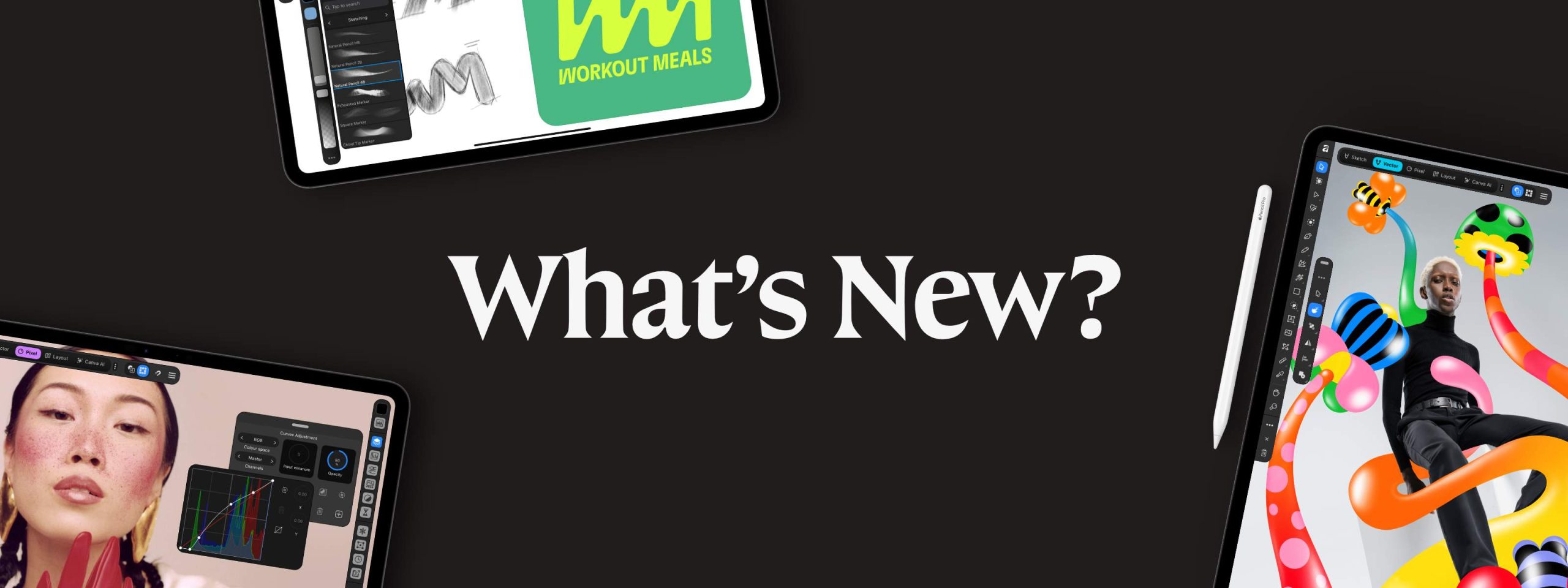
Canva has released the new all-in-one Affinity app for iPad. The official announcement, published on November 2, says an iPad version has been the team’s biggest request ever. Like the Mac and Windows versions, it is free for individuals. You only need a Canva account to sign in.
For photographers this means a real layer-based editor with RAW development on a tablet, at no cost, plus layout tools that can handle an album spread or a printed price guide.
What’s new
The app combines four workspaces, which Affinity calls studios, in one download. According to 9to5Mac, it replaces the separate Affinity Photo, Designer and Publisher apps on iPad.
- Pixel Studio: RAW development, masks you can paint with the Apple Pencil, inpainting to remove distractions, and non-destructive layers. Affinity says files of 100 megapixels and more are supported and that the undo history is saved with the file.
- Layout: master pages, shared text styles and print-ready export, the tools you would use for albums, magazines and client guides.
- Vector and Sketch Studios: logo and graphics work, and over 350 brushes that respond to pressure, tilt and barrel roll.
- Same files everywhere: the iPad app opens the same .af files as the desktop app, and it imports PSD, PDF, SVG and other formats with layers kept.
- Offline editing: you can work without a connection.
Affinity’s iPad page is open about what is missing at launch: Batch processing, Quick Adjustments, the Info and Scope panels, macro recording, Books, Data Merge and the Astrophotography Studio are not in this first version.
Price and availability
The app is out now on the App Store. All sketch, photo, vector and layout tools are free for individuals, with no payment needed. The AI features, grouped as Canva AI Studio, need a paid Canva plan (Pro, Business, Enterprise or Education). On its official pages, Affinity lists clearing grain, rescuing blurry shots and cutting out backgrounds among them. 9to5Mac also mentions generative expand, upscaling and a feature that splits a flat image into editable layers. Affinity says your local Affinity files are not used to train its AI features.
What it means for film-look photographers
This is not a Lightroom replacement for wedding galleries. With no batch processing at launch and no catalog for culling hundreds of frames, the day-to-day edit of a full wedding still belongs on your desktop. Where the iPad app helps is with the single images that matter most: retouching a hero portrait on the couch, painting a careful mask over skin, or removing an exit sign from a ceremony frame with the Pencil.
For film-inspired work, keep in mind that any grain or color you add here is a digital effect. The app gives you layers and adjustments to build a look, not film emulation profiles, so your own presets or recipes still do the heavy lifting.
The layout tools may be the quiet win. Designing an album spread, a welcome guide or a pricing PDF on the same device you show couples is handy, and you can pick up the same file on your desktop afterwards.
If you already edit on an iPad, it costs nothing to try. Just expect to wait a while longer for batch work.
Sources
Header image: Affinity by Canva (press image)